ATCBridge Kit

ATCBridge Kit

Any app.On the screen you already have.

Stream Netflix. Play YouTube and TikTok. All on your car’s CarPlay display. Build it yourself on a Raspberry Pi with the Add To CarPlay Bridge Kit, or plug in a ready-made box.

9:41PlayingSunset drive, episode 4ATCBridge Kit

Software: Pi2Carplay by Fotsbeats, open source on GitHub.

Apps

Everything you watch, play and listen to. Right on the dash.

It’s a full Android launcher on your car’s display, with touch and audio. Install what you like from Google Play and arrange your favourites.

See every app you can add to CarPlay

Video

Stream while you’re parked.

Charging stop, school pickup, waiting at the ferry. Stream Netflix, Twitch and Plex. Play YouTube and TikTok. On the big screen.

Music

Your library. Your speakers.

Navigation

The maps you prefer.

Split screen

Two apps, side by side.

Picture quality

Up to 60 fps.

Switch between 4 and 8 Mbps and 30 or 60 fps live. Your car’s screen sets the ceiling.

Two ways to get there.

Build it yourself

ATCBridge Kit

A Raspberry Pi 5 and every part matched to Pi2Carplay, with an illustrated guide. Full Kit or Lite.

from $49
32

Just plug it in

T-Box Lite S

A ready-made Android box for wired and wireless CarPlay cars. Working in minutes, with HDMI out.

from $89
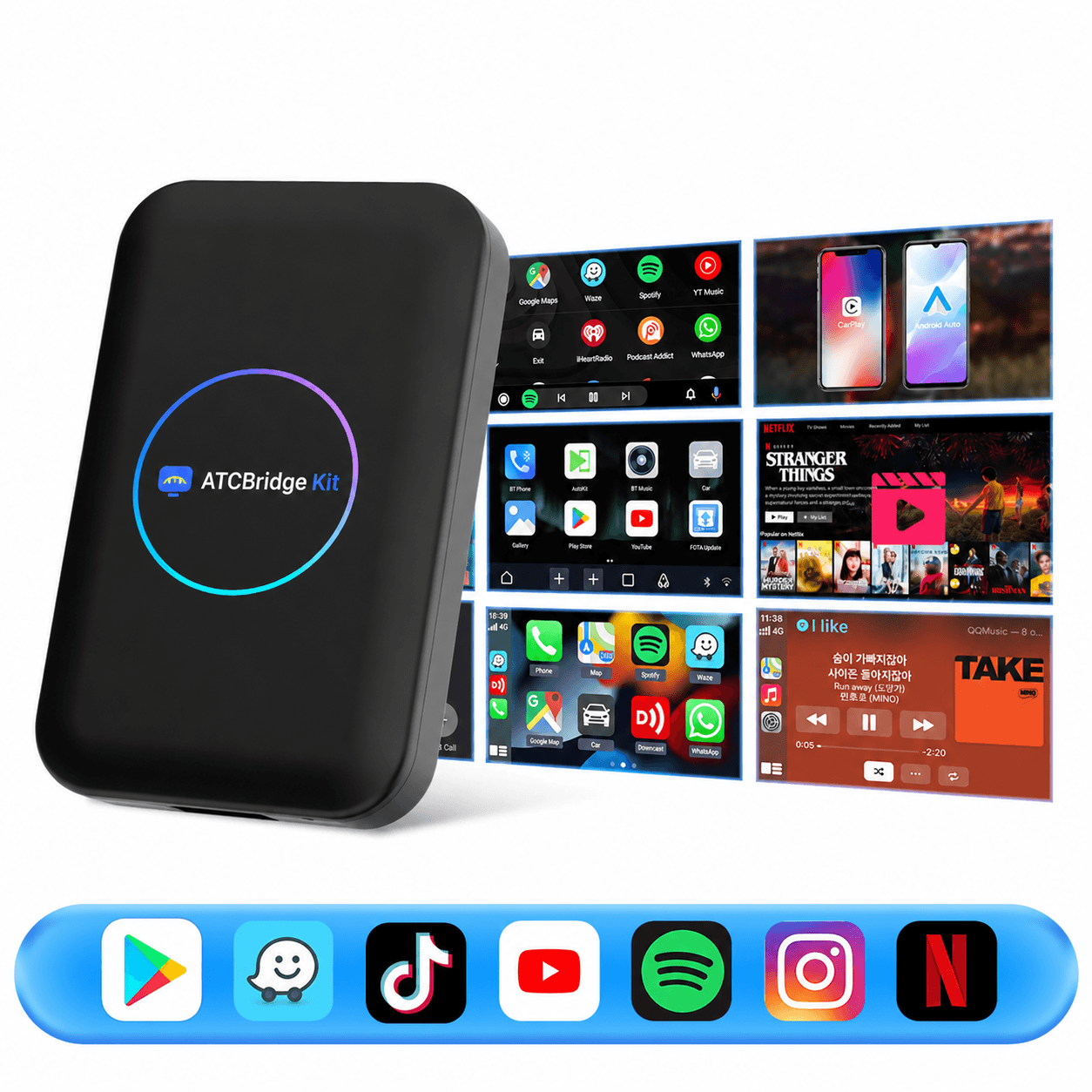
T-Box Lite S CarPlay AI box with screens showing Android apps such as YouTube, Netflix, Spotify and Waze

Compare the two

How it works

One cable. One afternoon.

  1. 1

    Flash.

    Download the official Pi2Carplay image from GitHub and write it to the included microSD card.

  2. 2

    Set up.

    Boot once at your desk with a monitor and mouse. Join Wi-Fi and sign in to your apps.

  3. 3

    Plug in.

    One cable from the Pi to the car’s CarPlay USB port. Android is on screen in about a minute.

Car display (wired CarPlay)CarPlay USB portRaspberry Pi 5data + power, one cableUSB-A or USB-C → Pi USB-C

Read the full setup guide

Open source

Built on Pi2Carplay.

The software is Pi2Carplay, an open-source project (GPL-2.0) by Fotsbeats. We didn’t write it and we don’t resell it. We supply the hardware, guides and support, and you install the author’s official release straight from GitHub.

Questions? Answers.

What is the ATCBridge Kit?
The ATCBridge Kit (Add To CarPlay Bridge Kit) is a Raspberry Pi 5 hardware kit with an illustrated guide for running Pi2Carplay, an open-source project that puts an Android desktop and apps on your car’s wired CarPlay screen.
Can I add Netflix, YouTube or TikTok to Apple CarPlay?
Not as CarPlay apps: Apple doesn’t allow video apps in CarPlay. With the ATCBridge Kit plugged into your car’s CarPlay USB port, you can stream Netflix and play YouTube and TikTok on the CarPlay screen while parked, because the kit runs Android apps itself.
Which apps can I run?
Any Android app you can install: stream Netflix, Twitch and Plex, play YouTube, TikTok and Kodi, and use Spotify, Google Maps and Waze. Apps that stream need internet, so use car Wi-Fi or a phone hotspot.
Will it work in my car?
Your car needs wired (USB) CarPlay. Pi2Carplay is a young project still being tested on more vehicles, so check the compatibility list first. If your car only has wireless CarPlay, choose the T-Box Lite S.
Do I need to know how to code?
No. You flash an SD card with a free app and click through Android setup. If you can install apps on a phone and plug in a cable, you can do it. If you’d rather not, the T-Box Lite S works out of the box.
Why doesn’t the SD card come with the software already installed?
Pi2Carplay is built on an Android base whose license doesn’t allow commercial redistribution. So you install the author’s official release from GitHub yourself, which our guide makes easy. It also means you always start on the latest version.
Where do you ship?
To the United States, the European Union, the United Kingdom, Australia and New Zealand. Prices are shown in your local currency.
Is it safe to watch video while driving?
No. Watch video only while parked, and follow your local laws. Use navigation and audio apps the way you would any in-car system.

Still stuck? Contact us.

Your car’s screen can do more.

Build it with the ATCBridge Kit, or plug in the T-Box. Either way, your apps are on the dash this weekend.